

The problem
Every conversation with Claude starts from zero. You explain your project again, re-state your preferences, paste in the same background context you pasted last week. The model is capable, but it has no memory of you. A bigger context window doesn’t fix this. You’d still be the one doing the remembering. The fix is giving Claude a memory it can actually access between sessions. Not a chat log, not a pinned system prompt, but a structured body of knowledge it can search, reference, and build on. That’s what an Obsidian vault does. When you pair Obsidian with Claude Code, your notes become Claude’s long-term memory. Plain markdown files on your machine, organized with frontmatter and wikilinks, searchable by an AI that can read the filesystem directly. No API middleware, no cloud sync, no third-party plugin sitting between your data and the model.What changes
When Claude can read your vault, the conversations shift. Instead of starting from scratch, you start from everything you’ve already learned.- “Summarize everything I’ve researched about retrieval-augmented generation this month”
- “Find gaps in my notes on speaker diarization”
- “Draft a post based on my existing research, match the tone of my previous writing”
- “What patterns keep showing up across my last 20 transcriptions”
Why local matters
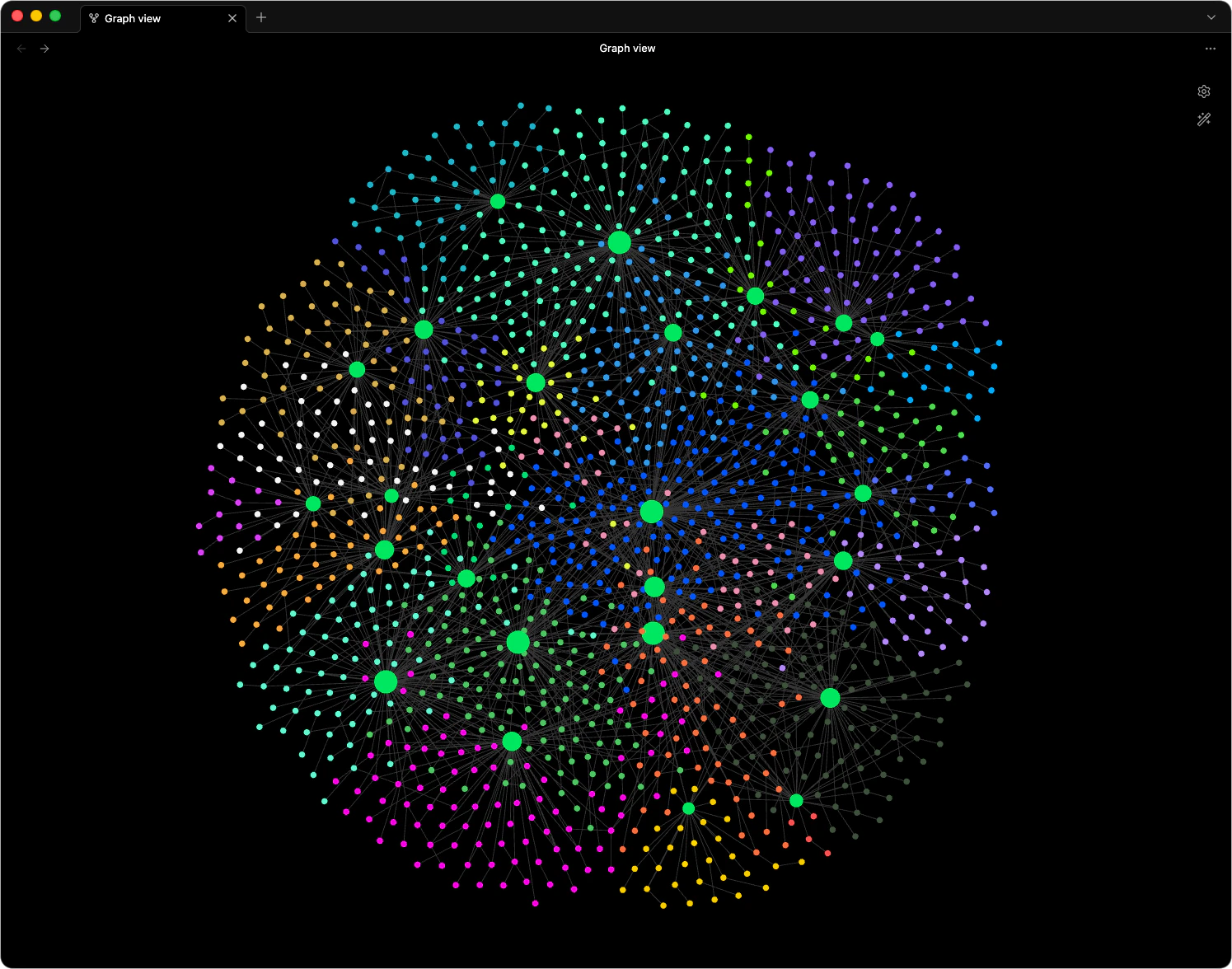
Your notes are plain markdown files on your filesystem. No cloud lock-in. No subscription holding your data hostage. No proprietary format that dies when a startup pivots. Any tool that reads text can read your vault, including Claude. Augent writes directly to your vault with proper YAML frontmatter,[[wikilinks]], and tags. The graph grows automatically. If you ever want to switch tools, you take everything with you. The files are yours.
The compound effect
Knowledge stored in your head fades. Bookmarks pile up unread. Screenshots disappear into camera rolls. But knowledge in a structured vault compounds. Every transcription, every note, every tag creates connections that Claude can traverse later. A vault with 500 linked notes is qualitatively different from 500 separate documents. The relationships between ideas become queryable. The more you use it, the better it gets. Not because the model improves, but because your personal knowledge base does.Where augent fits
Augent closes the gap between “I watched something useful” and “Claude can find it later.” One command turns a YouTube video, podcast, or voice memo into a structured note with frontmatter, wikilinks, and semantic tags. No manual transcription, no copy-pasting, no formatting by hand. The vault feeds itself. You consume content normally, augent handles the rest, and Claude gains access to everything you’ve learned without you lifting a finger to organize it.Getting started
Vault Setup
Configure your Obsidian vault to work with augent’s memory directory.
Obsidian Overview
See the full list of file types, frontmatter fields, and graph features.